The actual interface, running on made-up documents.
This is the product's own markup and stylesheets — the same header, sidebar, hubs and field rows an operator sees. The documents are synthetic and nothing is submitted anywhere. Click a field or a zone in the verification hub; open the project configuration; switch the application to dark mode from its own toggle.
Runs in your browser · no sign-up · nothing is sent
Or drive it the way an operator does: the top menu switches section, the sidebar walks every screen — batches, documents, queues, templates, classifiers, scripts, connections, datasets, import profiles, users, tenants, the cluster and the audit log — and the row buttons drill into a classifier, the alternative designer, a dataset and an import profile's mapping. Best on a desktop screen. Open it full window ↗
What to try
Five minutes
01
Correct a field
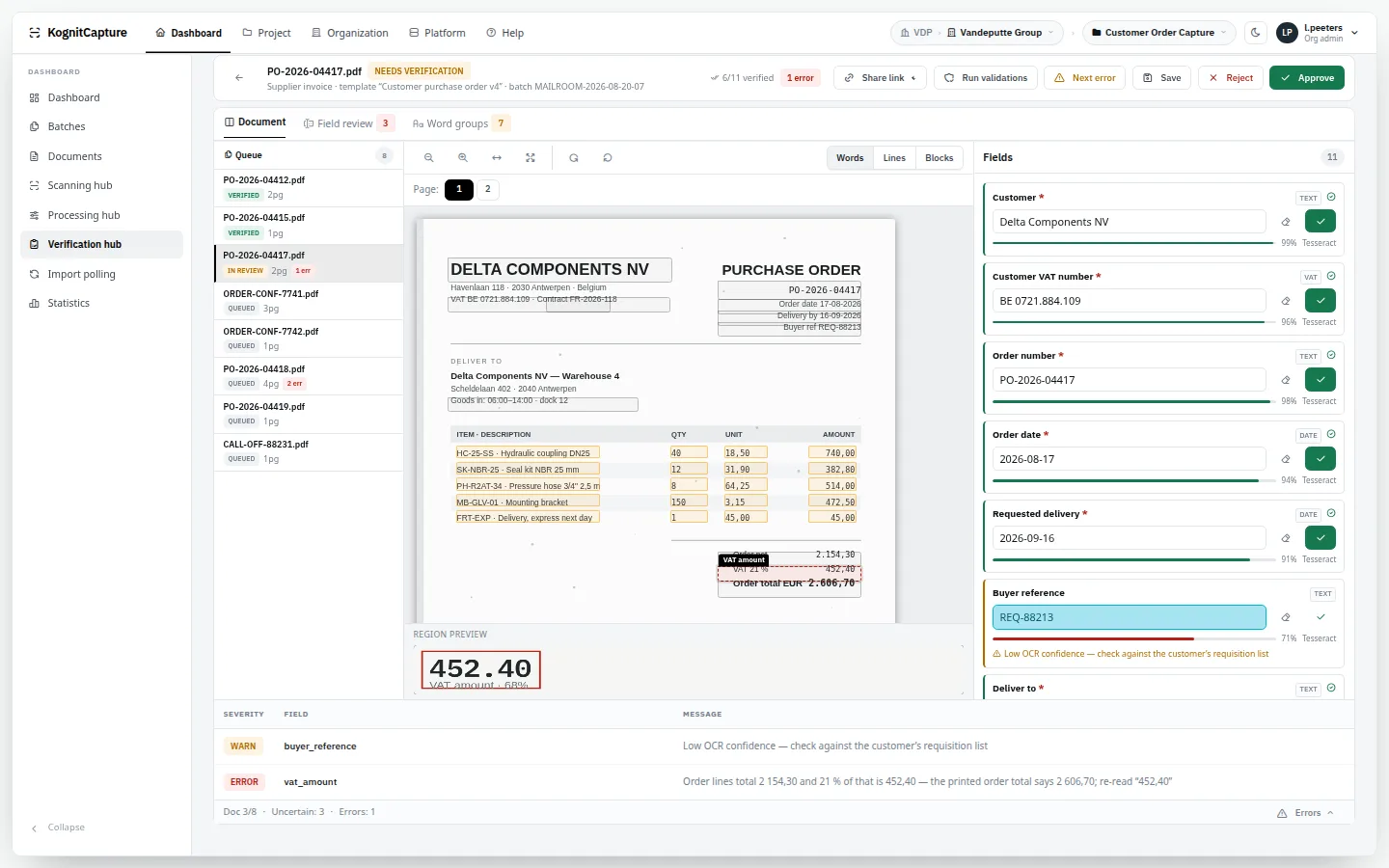
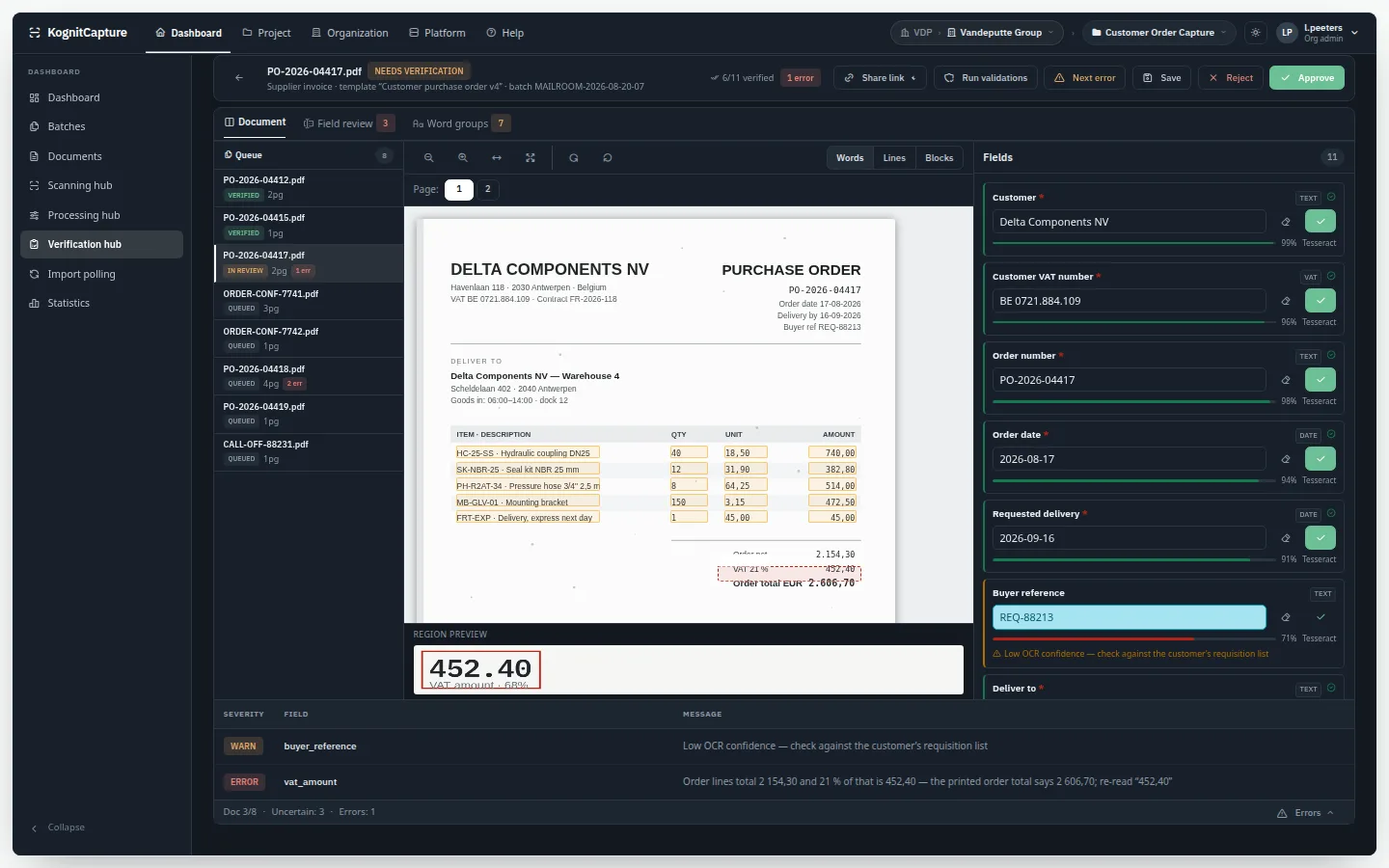
In the verification hub, click the VAT amount flagged in red. The page jumps to the zone, the region preview shows what was read, and the validation message explains why it was stopped.
02
Assemble a batch
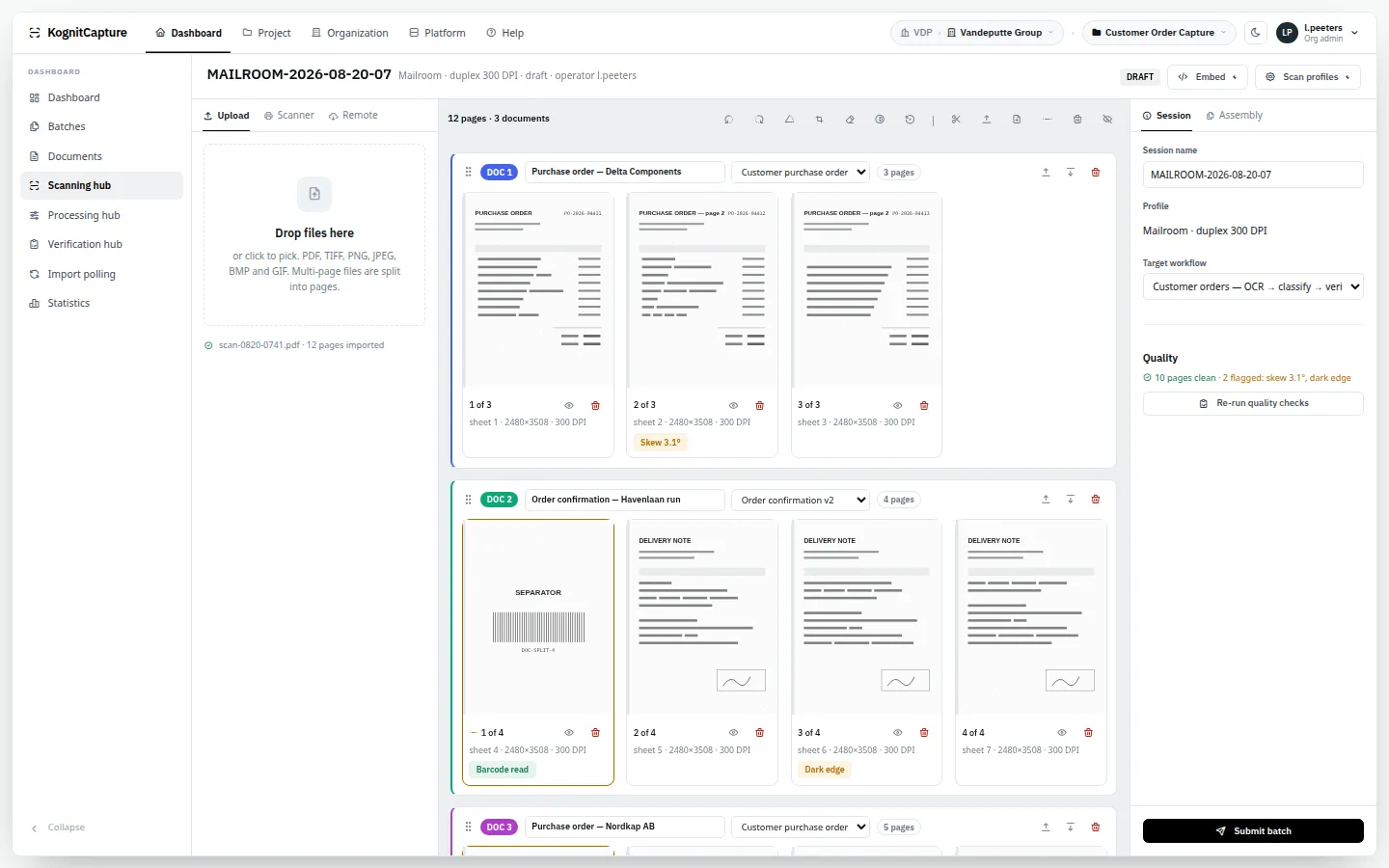
In the scanning hub, look at the page board: reorder, rotate and separate pages into documents, with the scanner list and scan profiles in the side rail.
03
Read a workflow
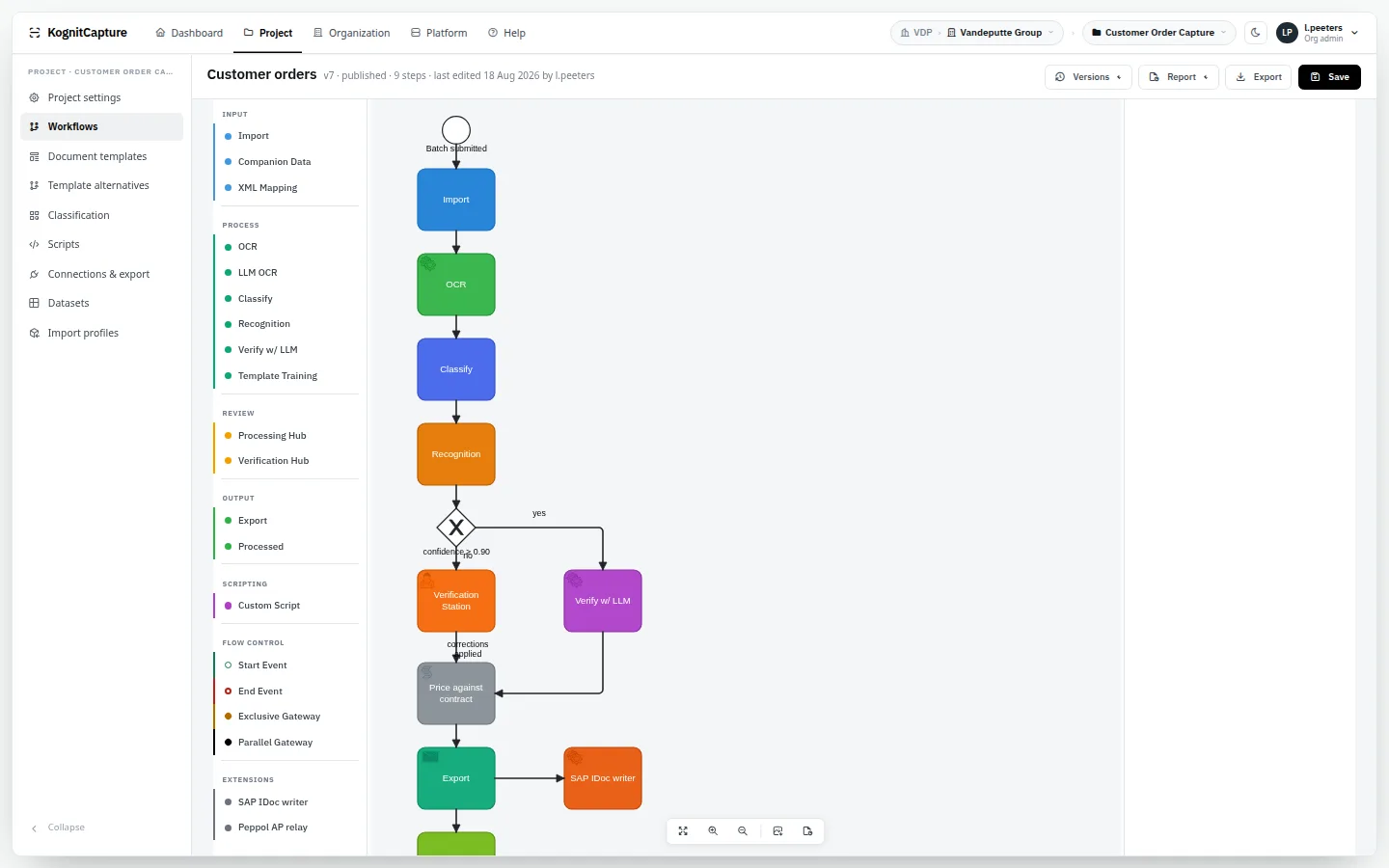
In the workflow designer, follow a document from import through OCR and validation to the verification hub and the export goals. The drawing is what runs.
04
Go dark
Use the moon icon in the application's own header. The dark theme is the product's, not a filter on a screenshot.
Screens
Captured from the demo · synthetic data · click to open that screen live
Daily work
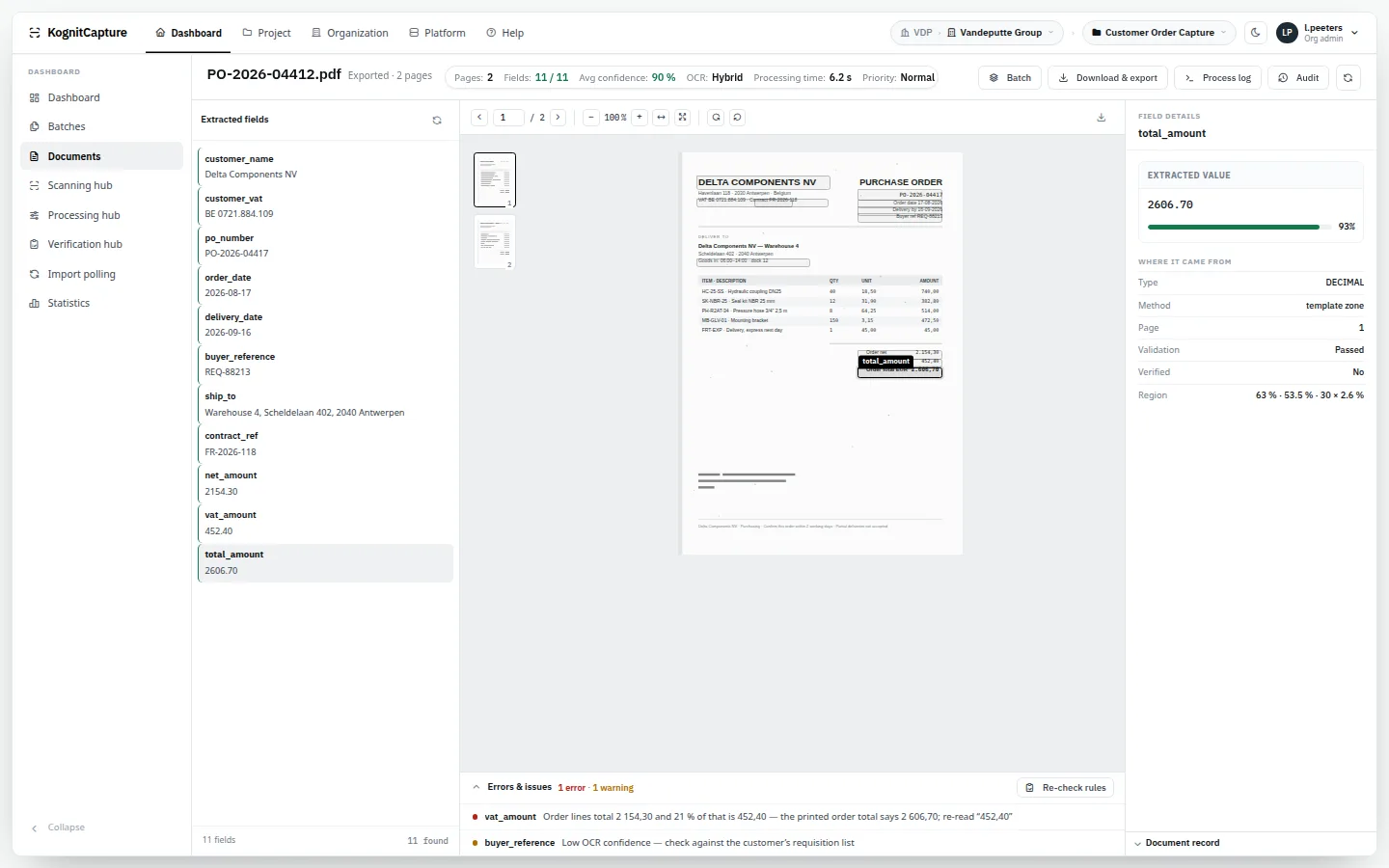
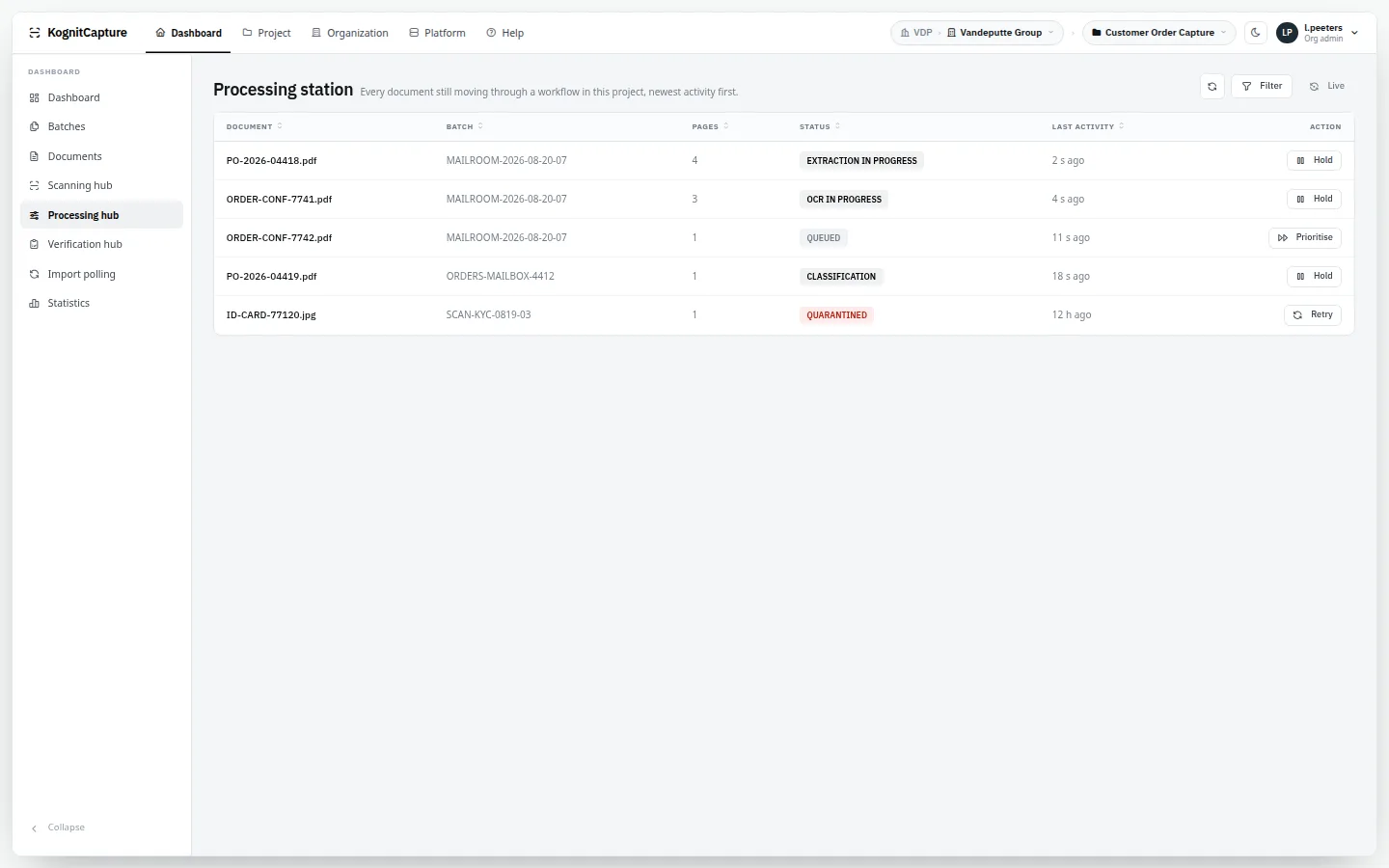
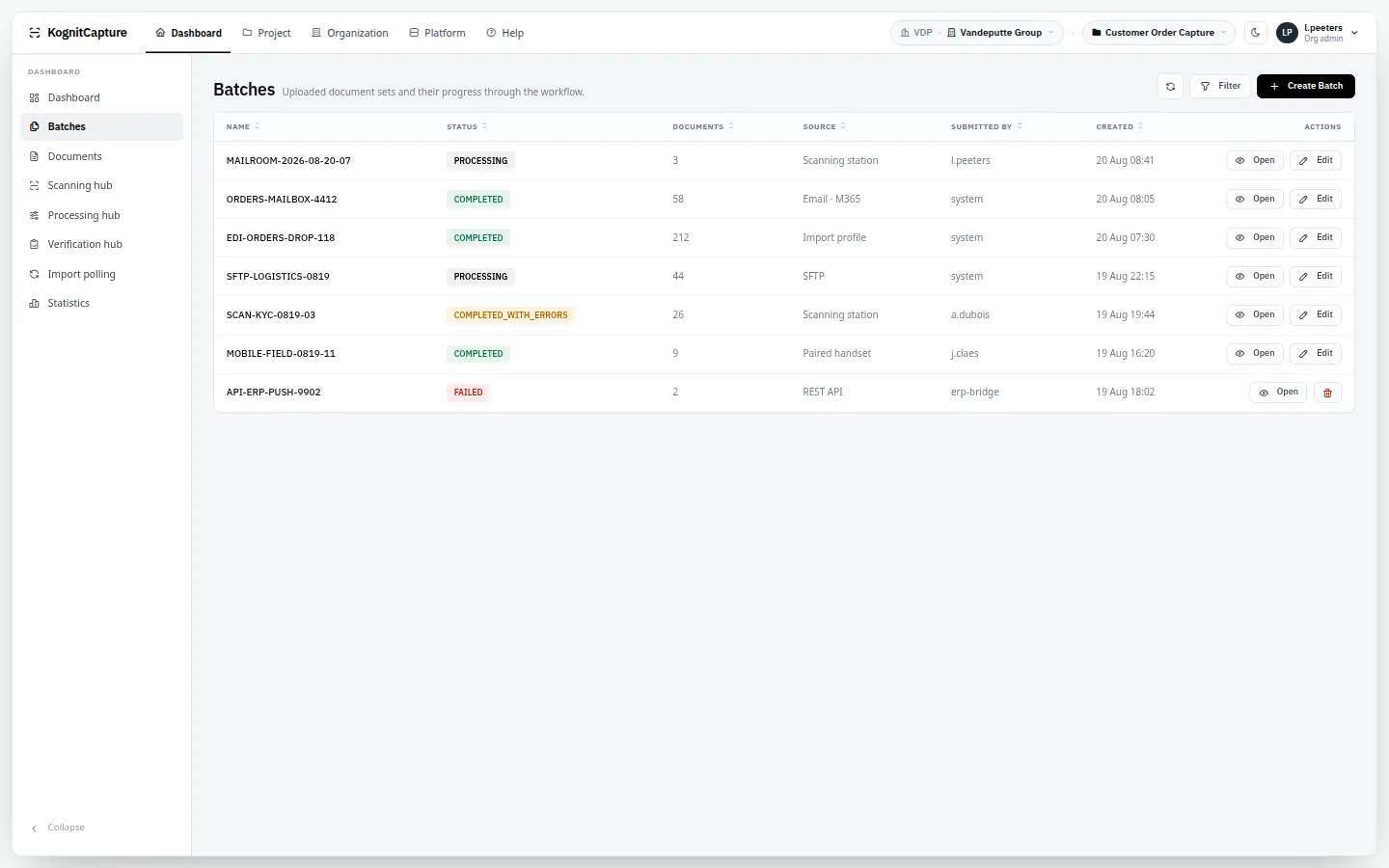
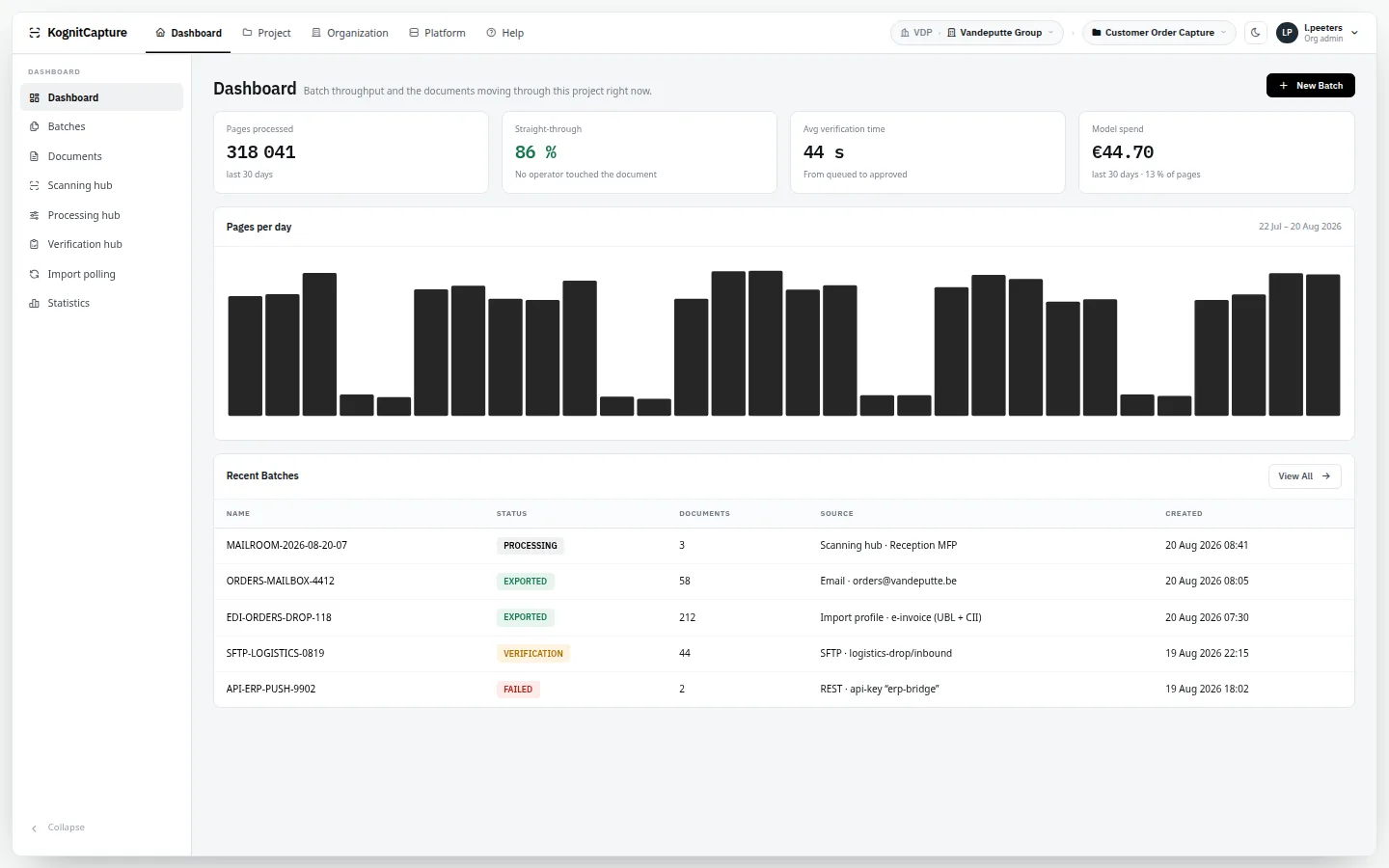
Verification hubThe queue, the page with zone overlays, fields with confidence and engine, and the validation messages that stopped the document.Scanning hubA server-side scan session: pages on an assembly board, network scanners and scan profiles in the rail.DocumentEvery extracted field with its history, the page it came from and the renditions that were produced.Processing hubEverything in flight, with release, reject and re-run.BatchesStatus, source and document count per batch, from mailbox, SFTP, scanner or API.DashboardPages processed, straight-through rate, verification time and model spend for the project.
Design and configuration
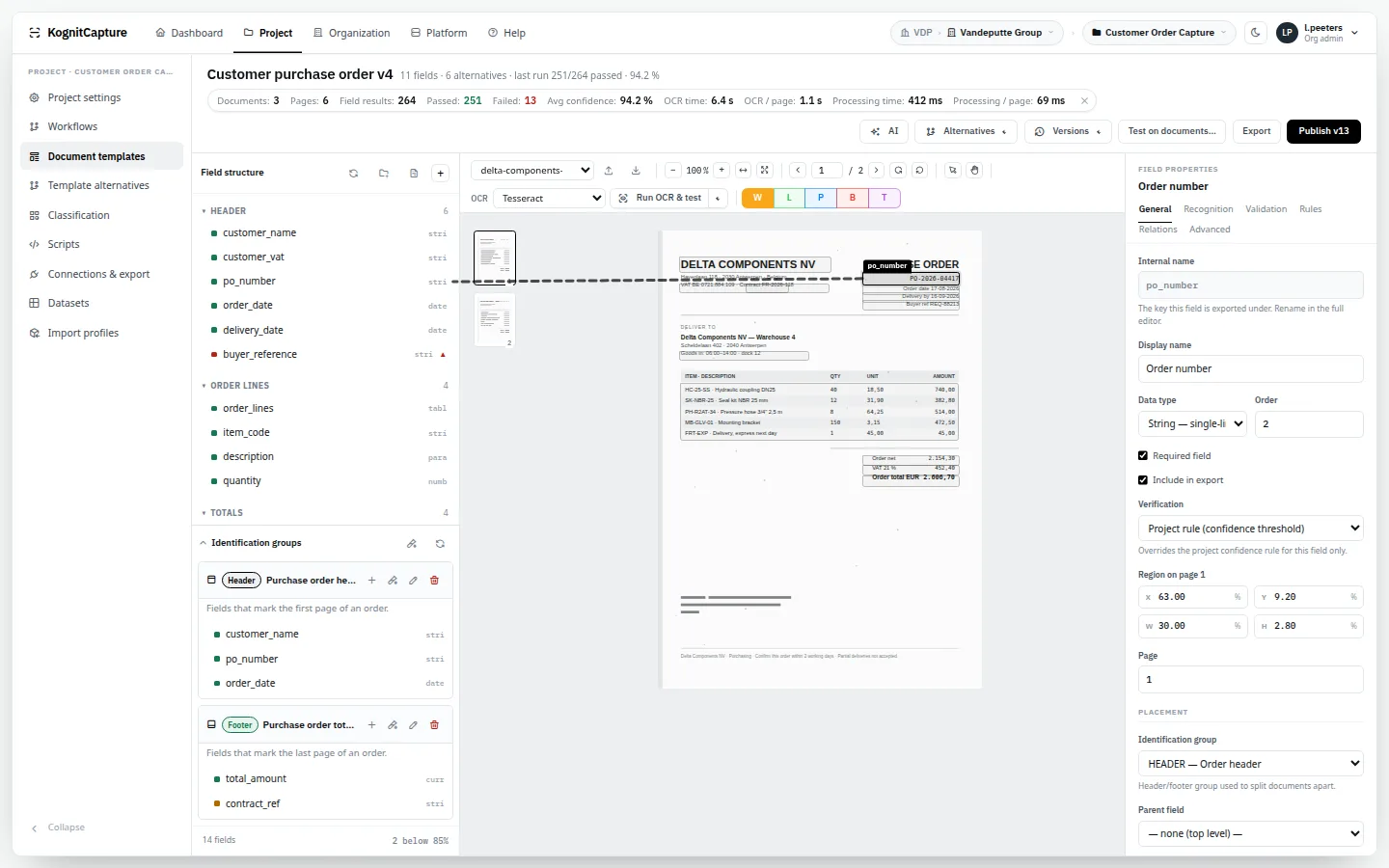
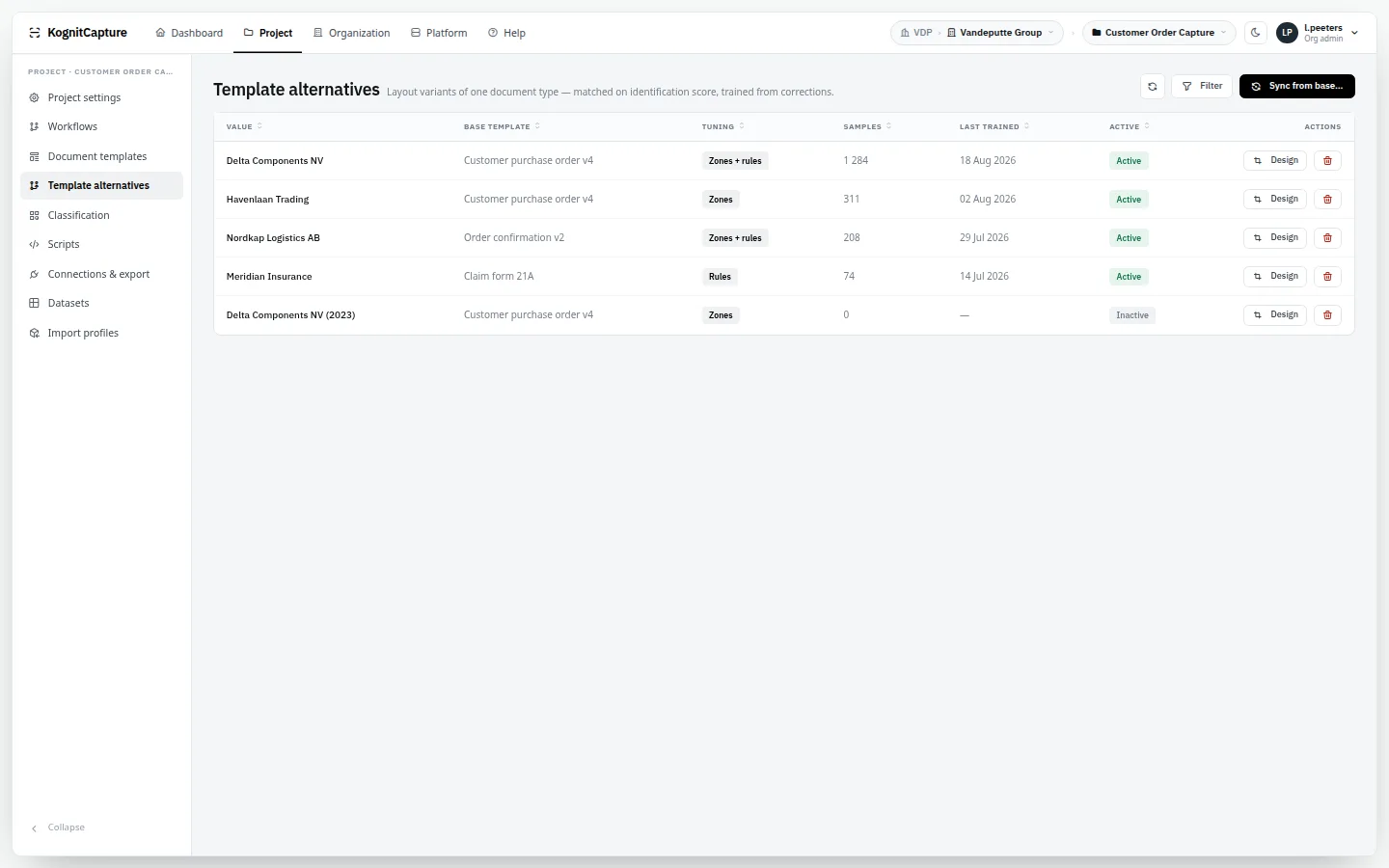
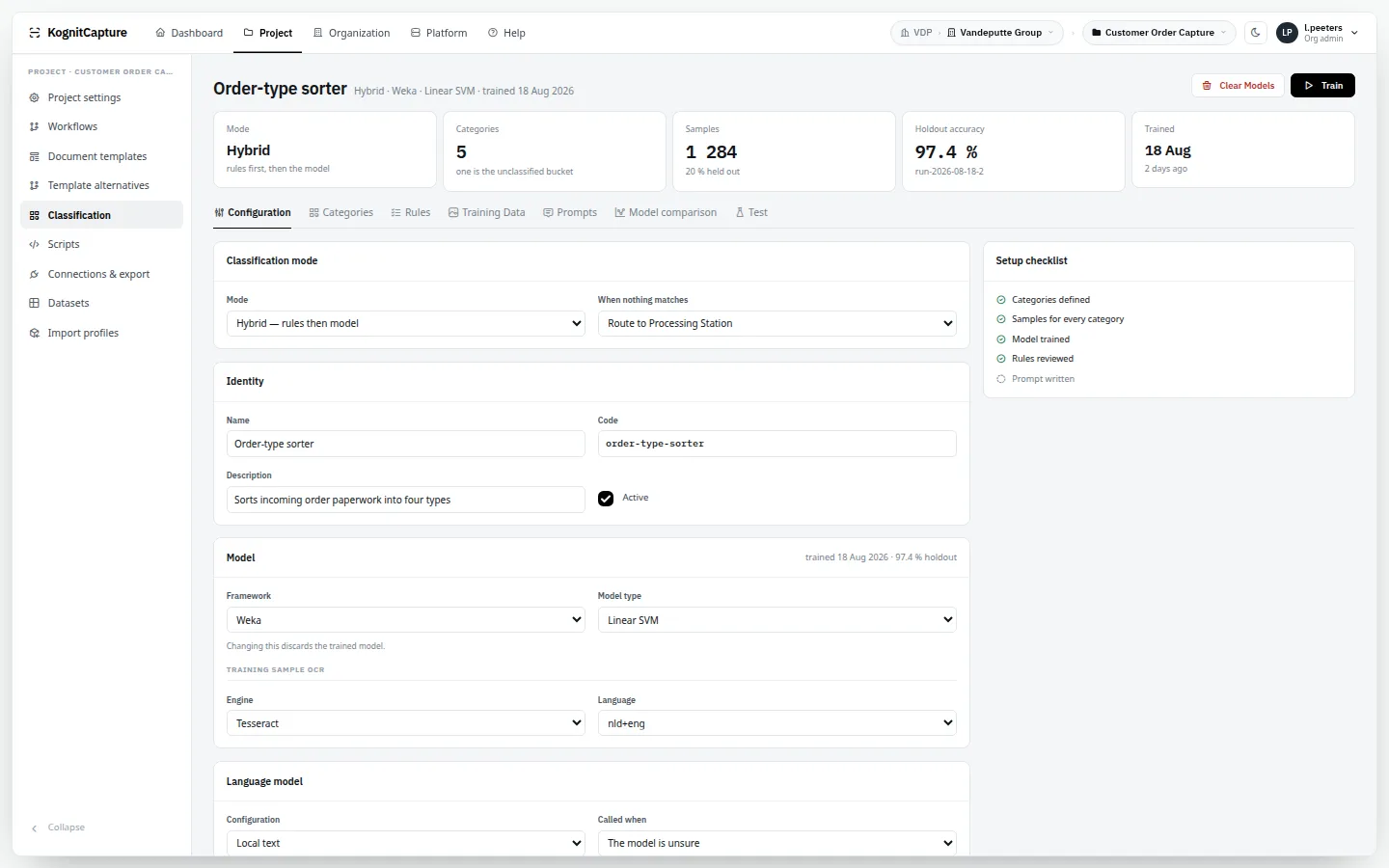
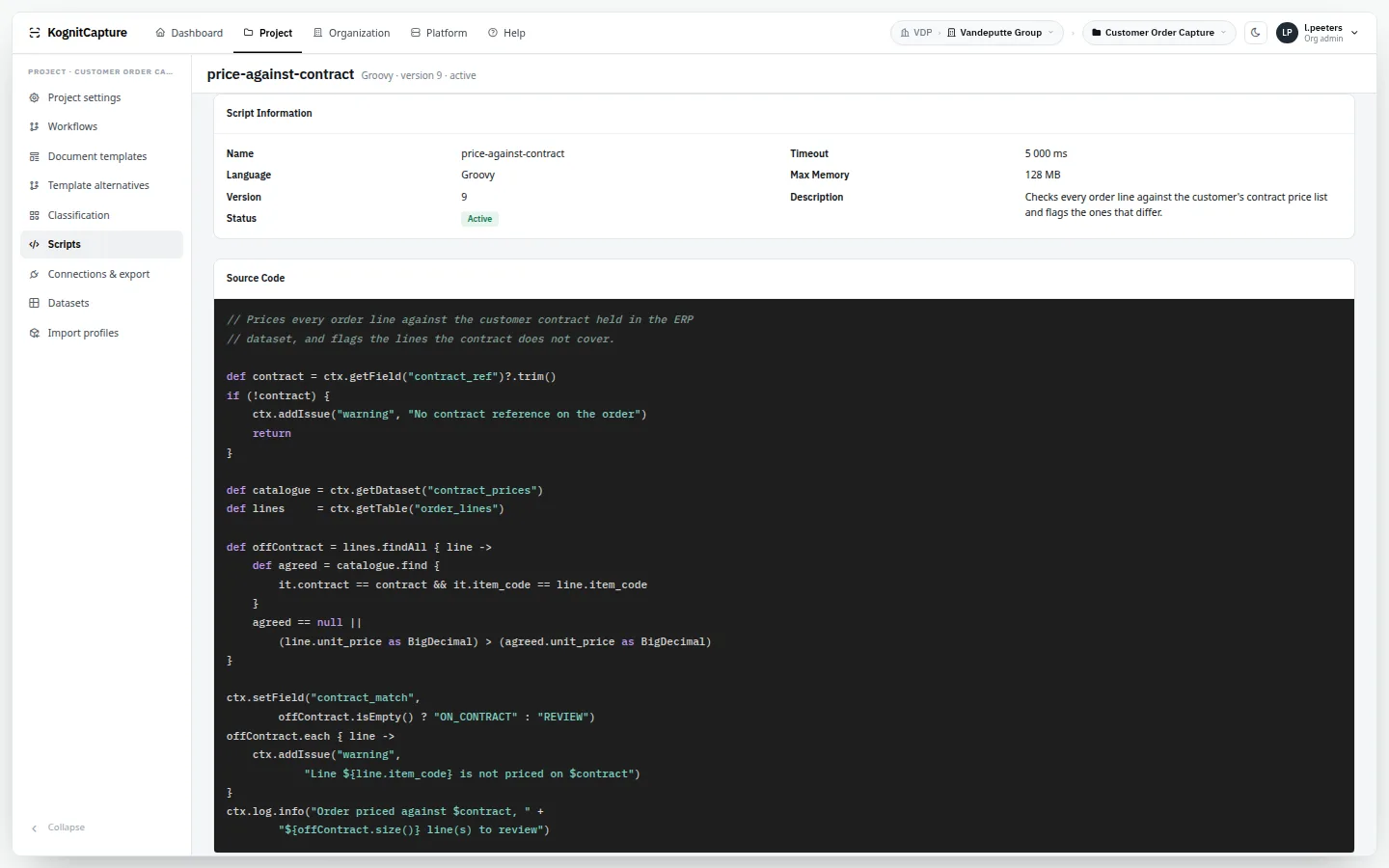
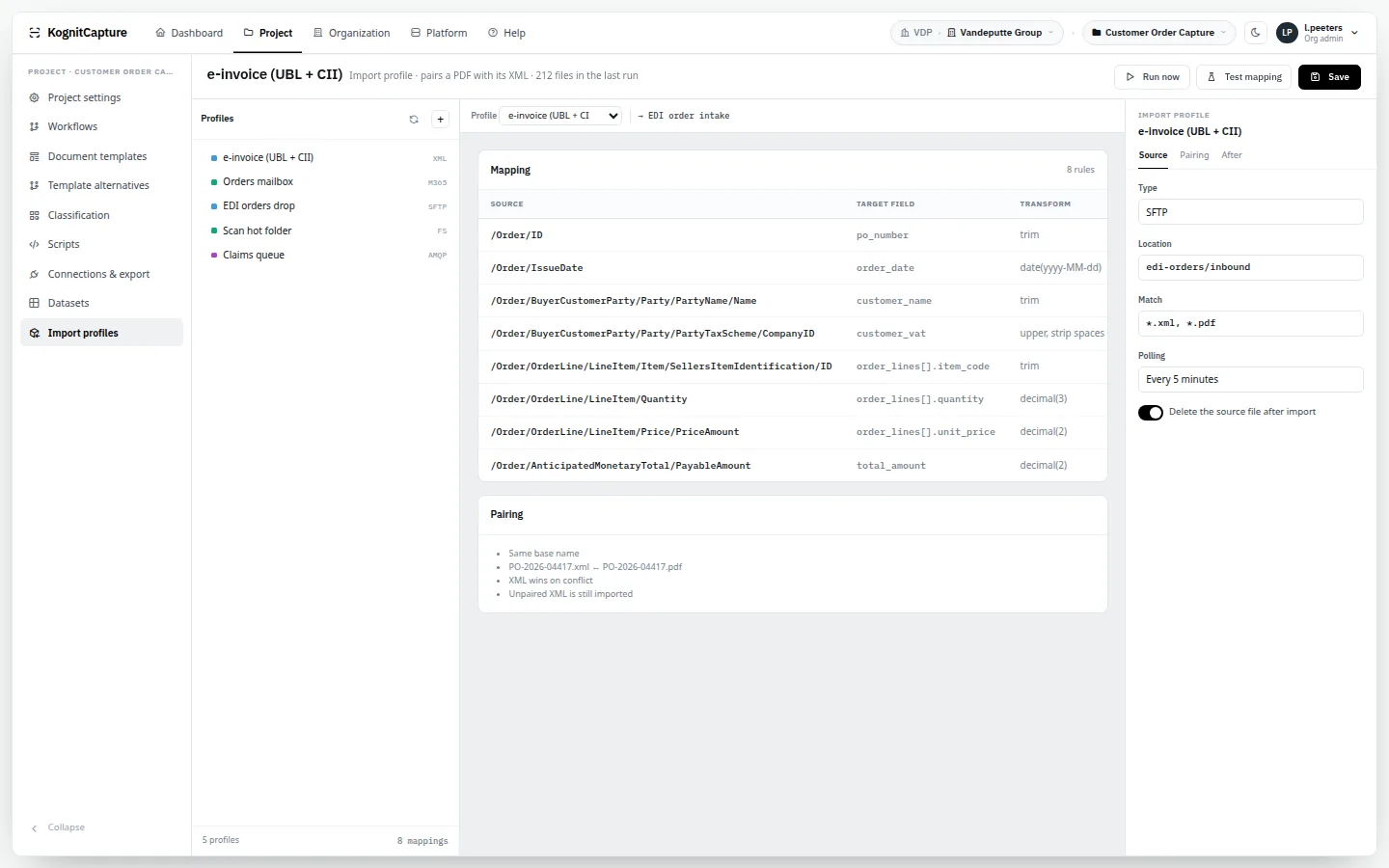
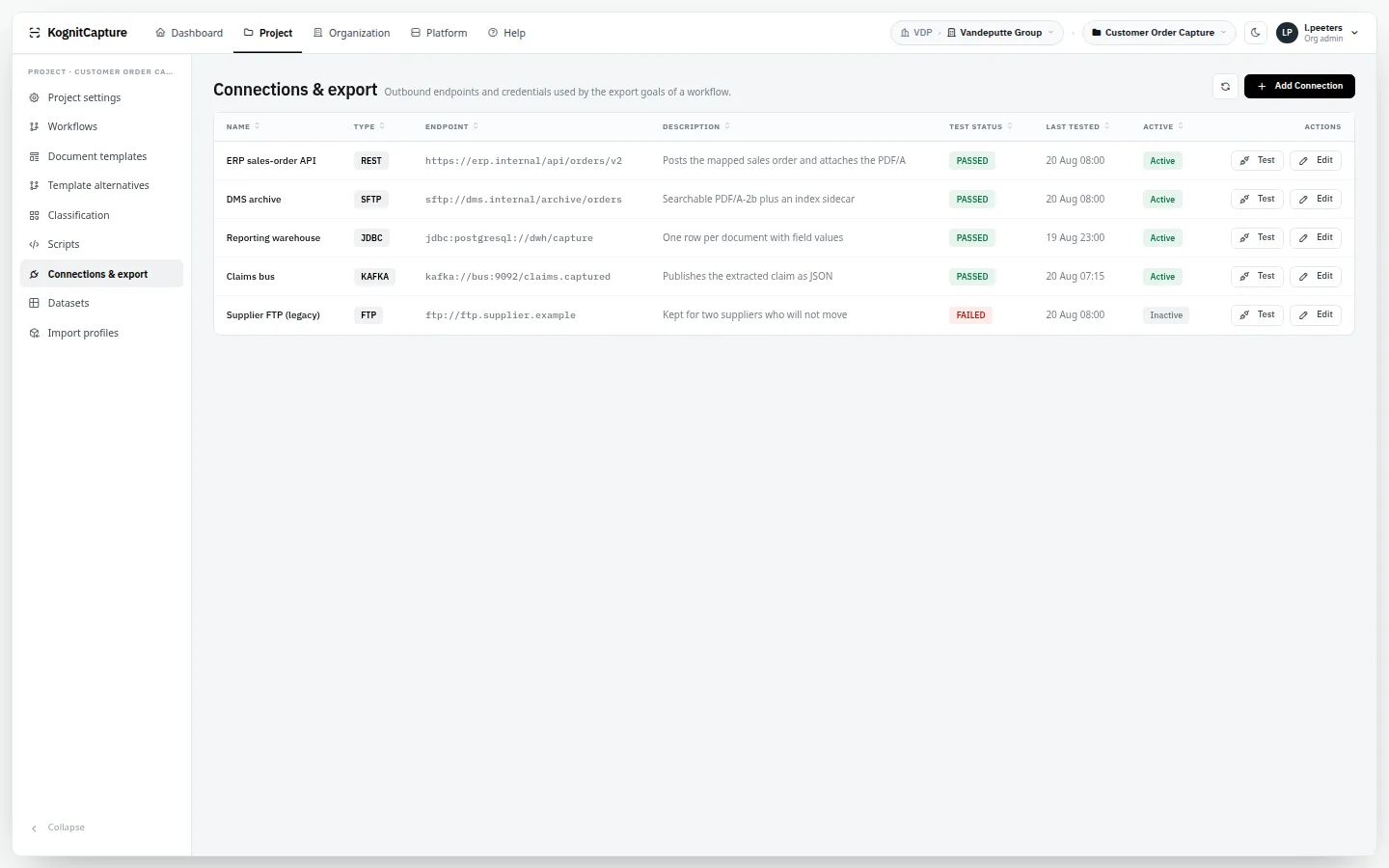
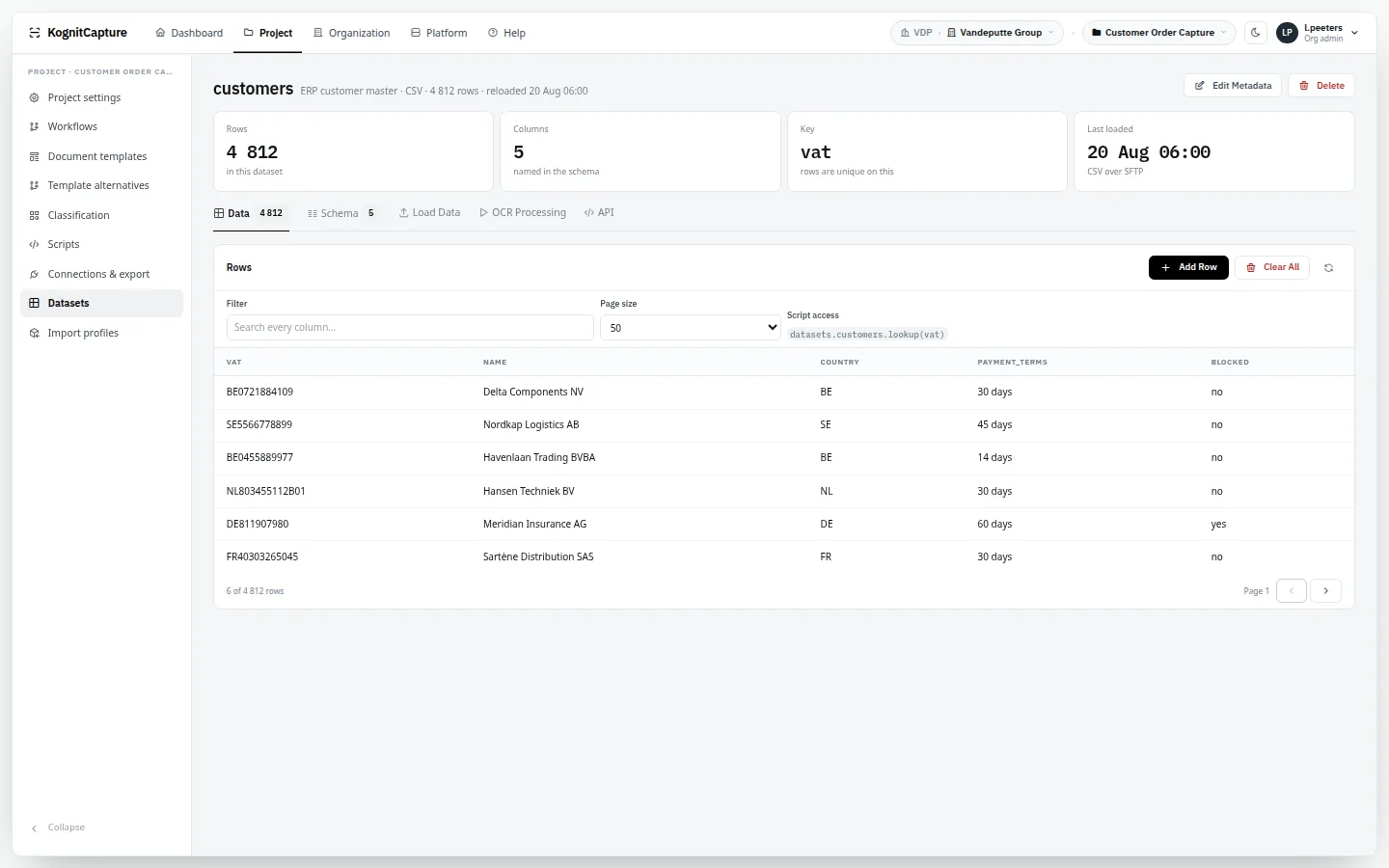
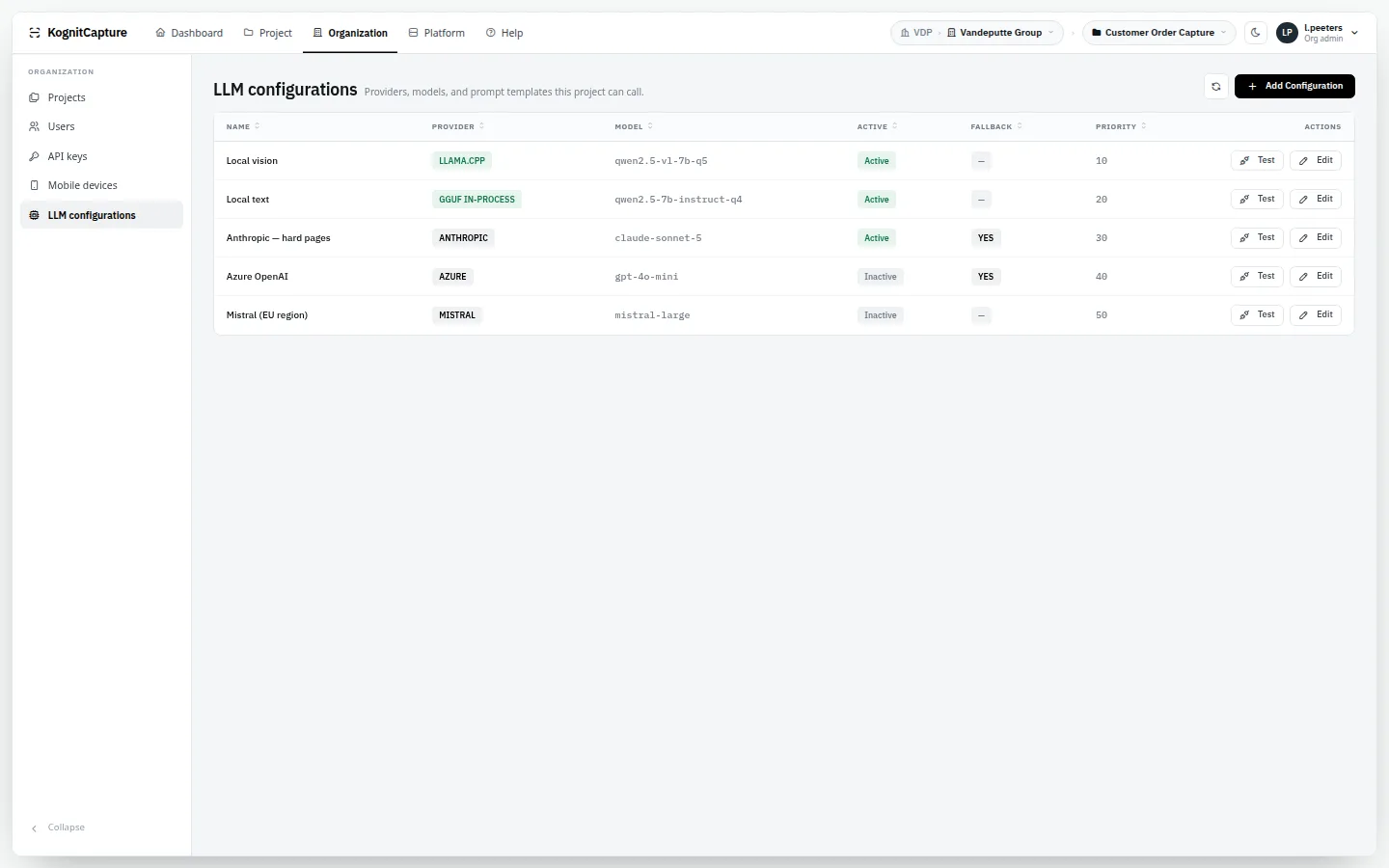
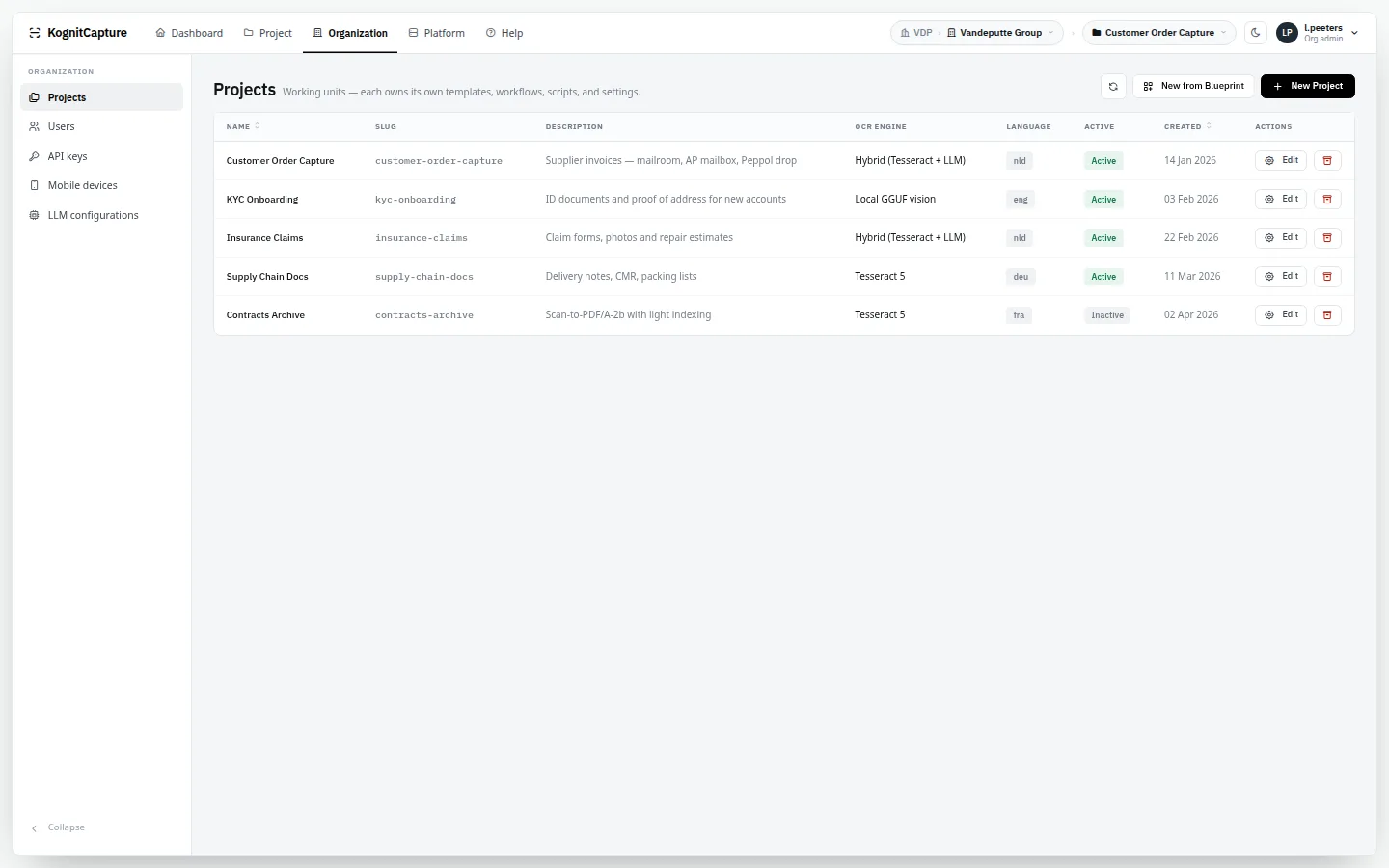
Template designerZones drawn on a reference page, with the properties of the selected field beside it.Workflow designerThe BPMN-style drawing that is the workflow: steps, gateways and routing.Template alternativesLayout variants per supplier on one logical template.ClassifierCategories, training samples and test runs for a document classifier.Script editorWrite a script, run it against a sample document, read the output.Import profilePairing of PDF and data files, XML policy and the mapping onto template fields.Connections & exportSaved connections and the export goals that use them.DatasetReference data used for lookup, autofill and validation.LLM configurationsLocal and remote model providers with priority, fallback and cost.ProjectsWorking units with their own templates, workflows and settings — new ones from a blueprint.
Running the platform
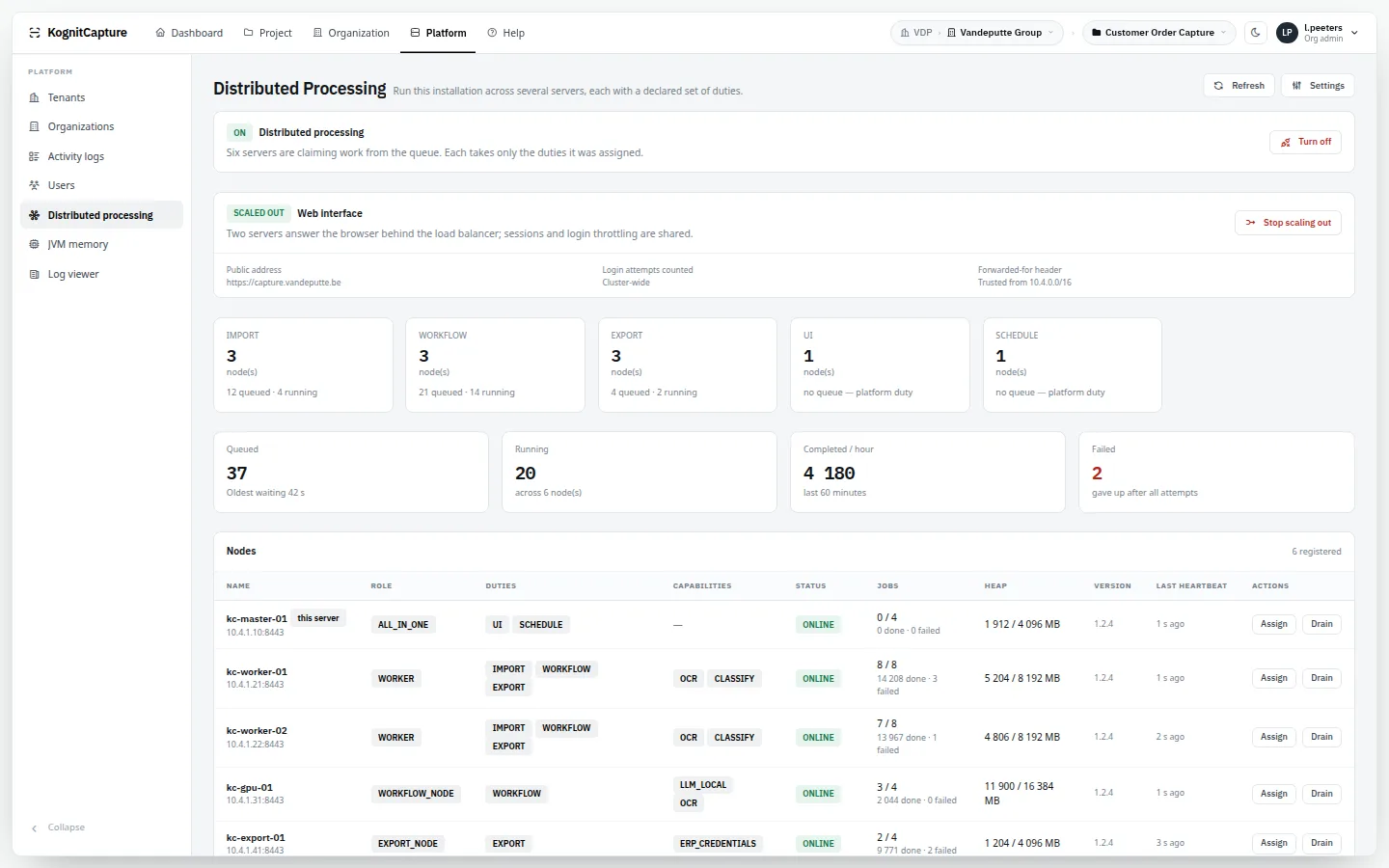
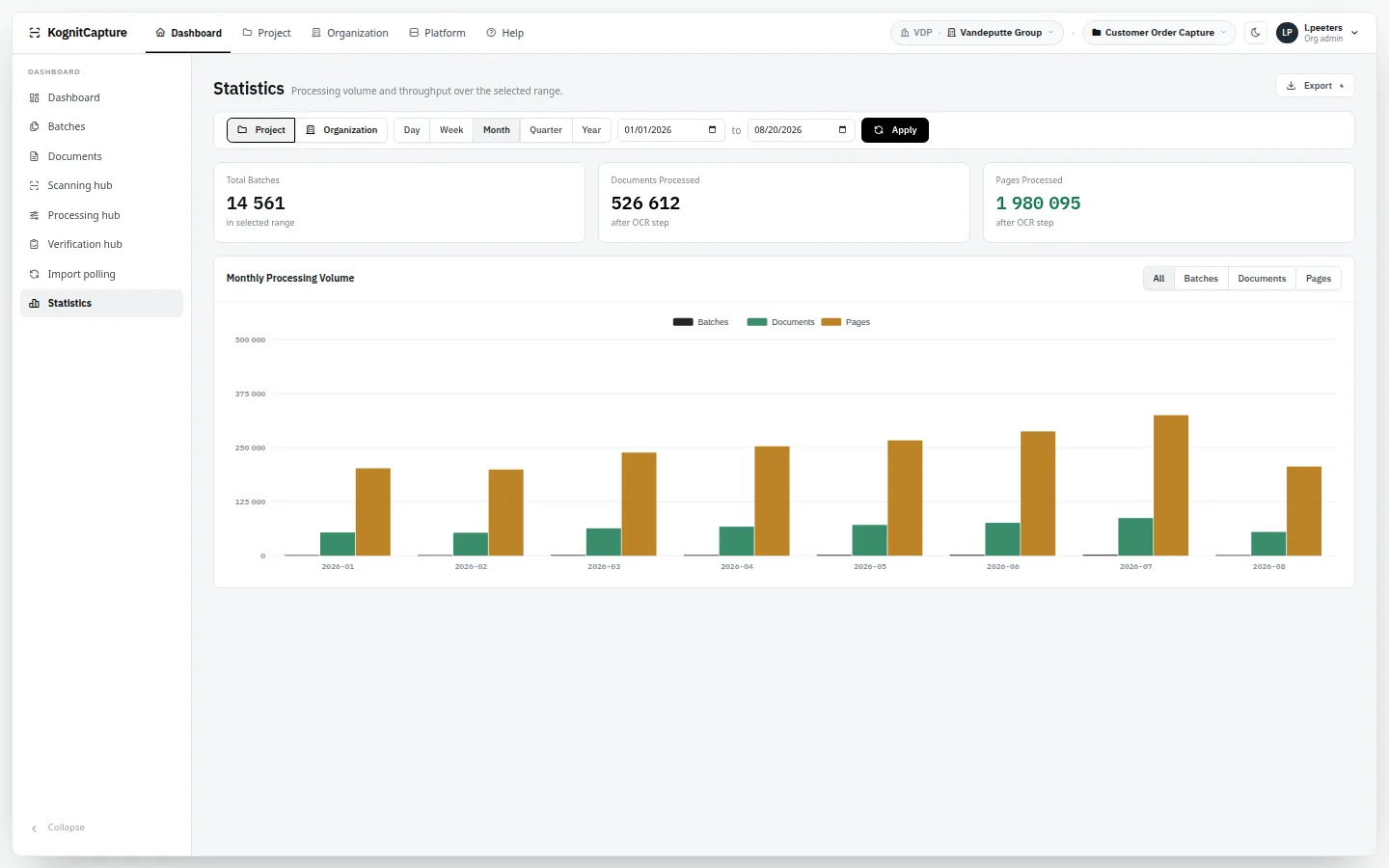
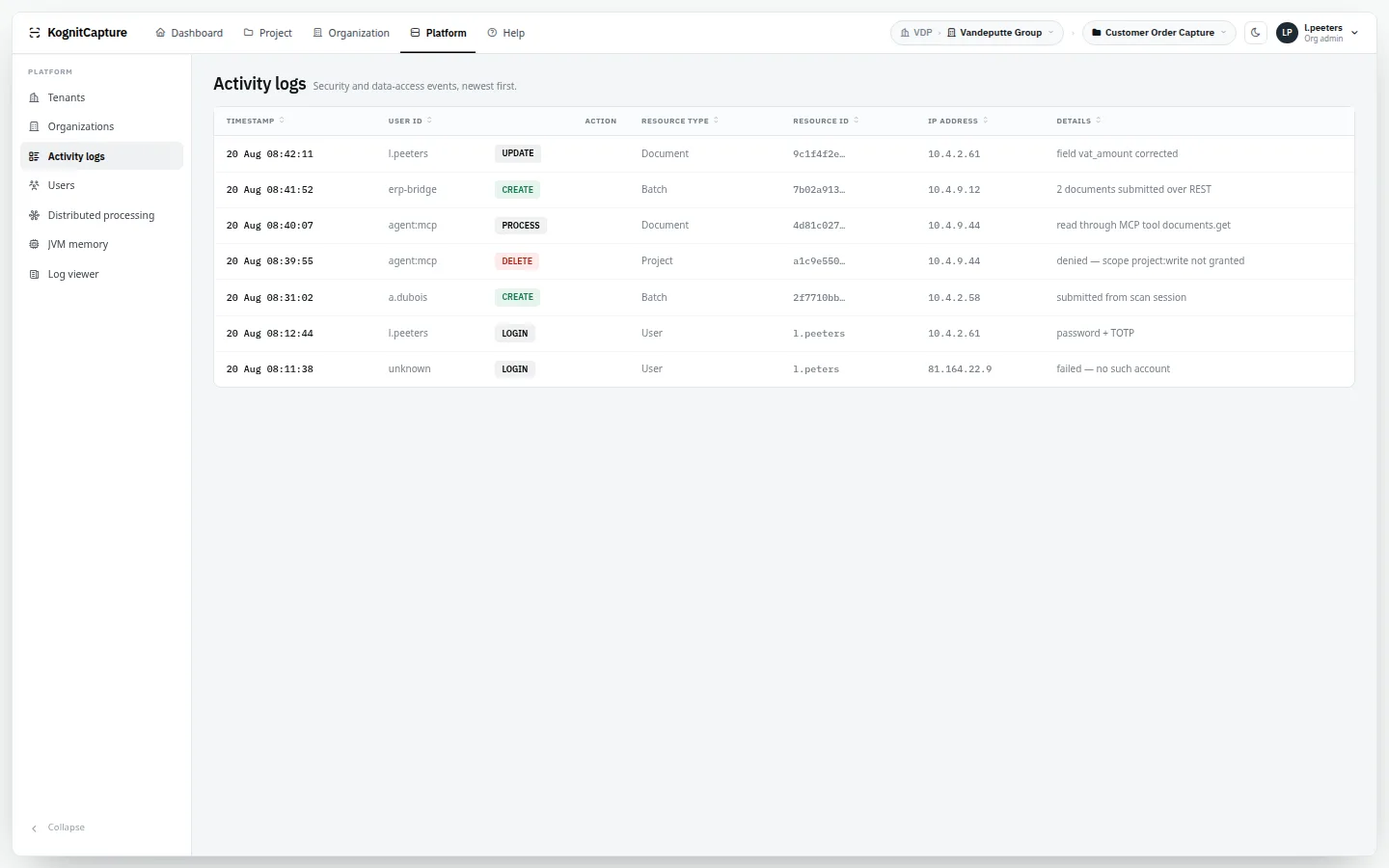
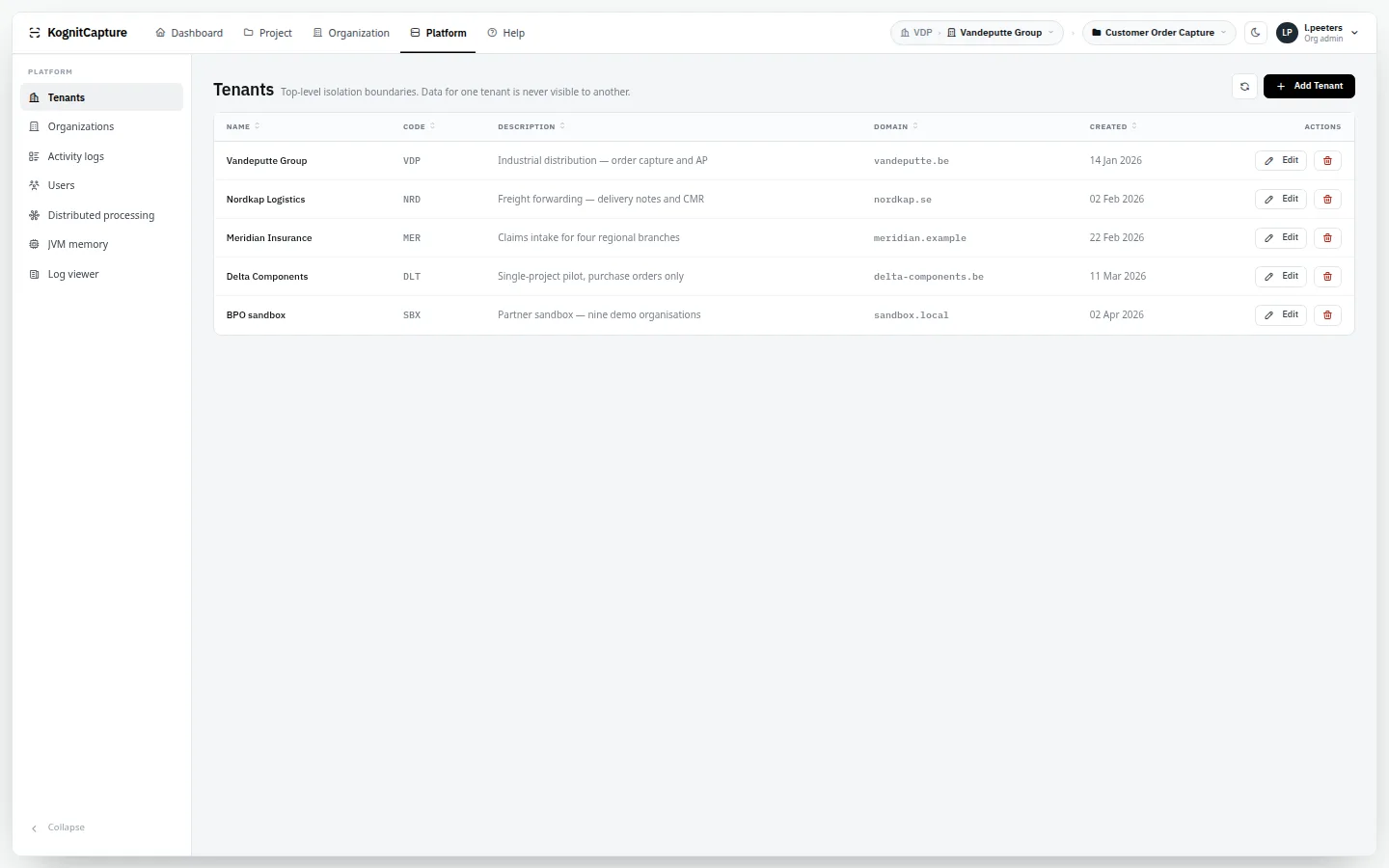
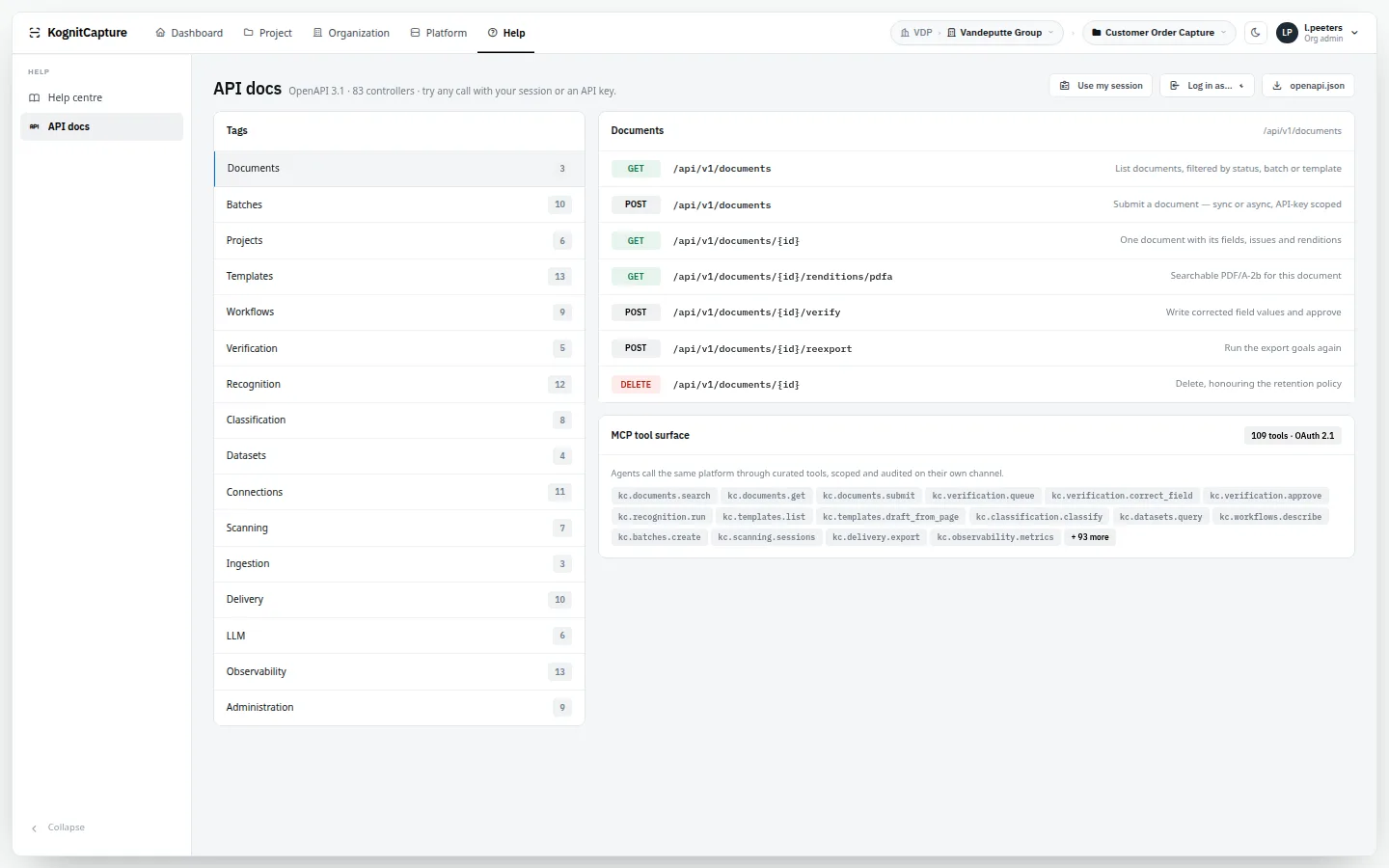
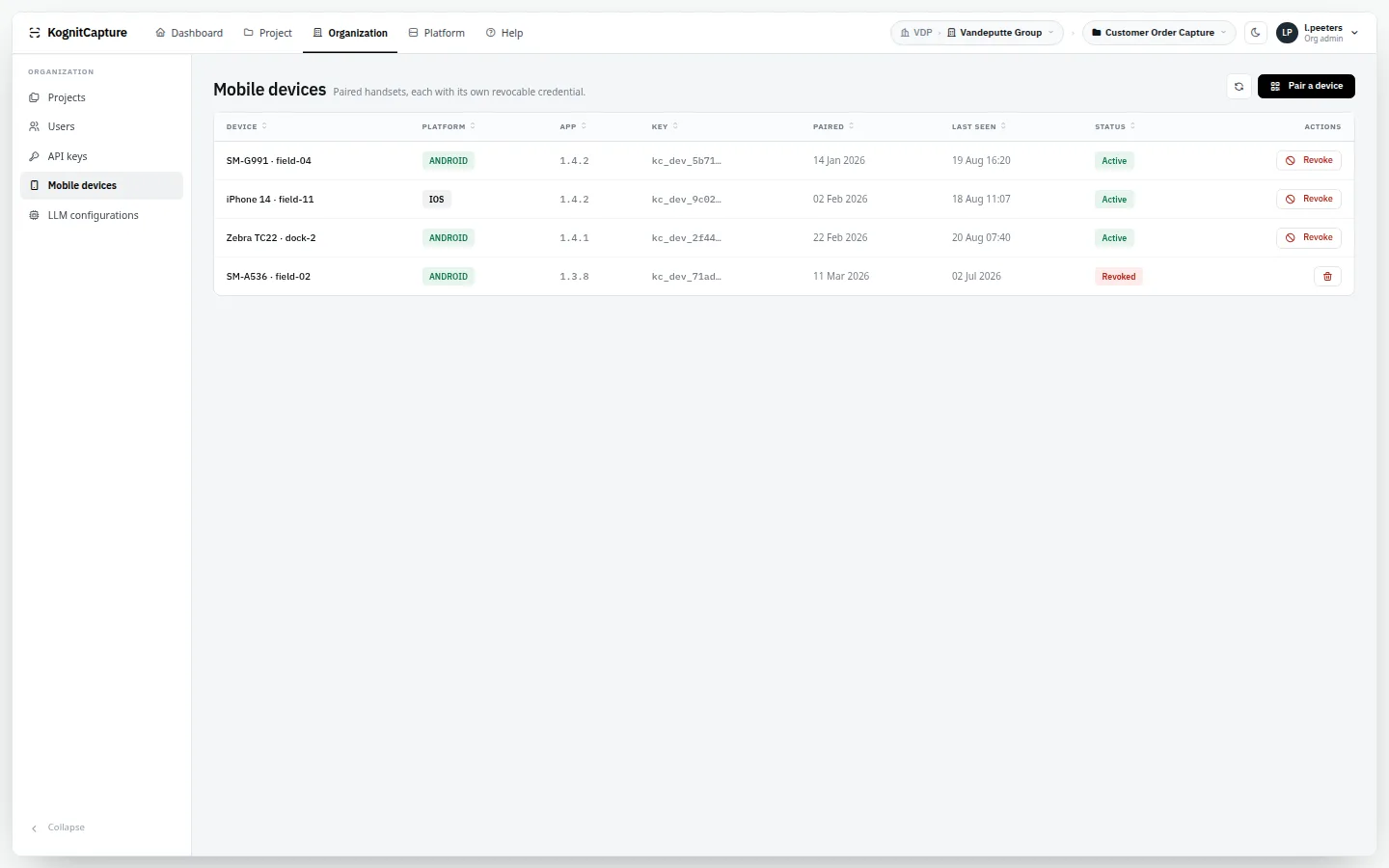
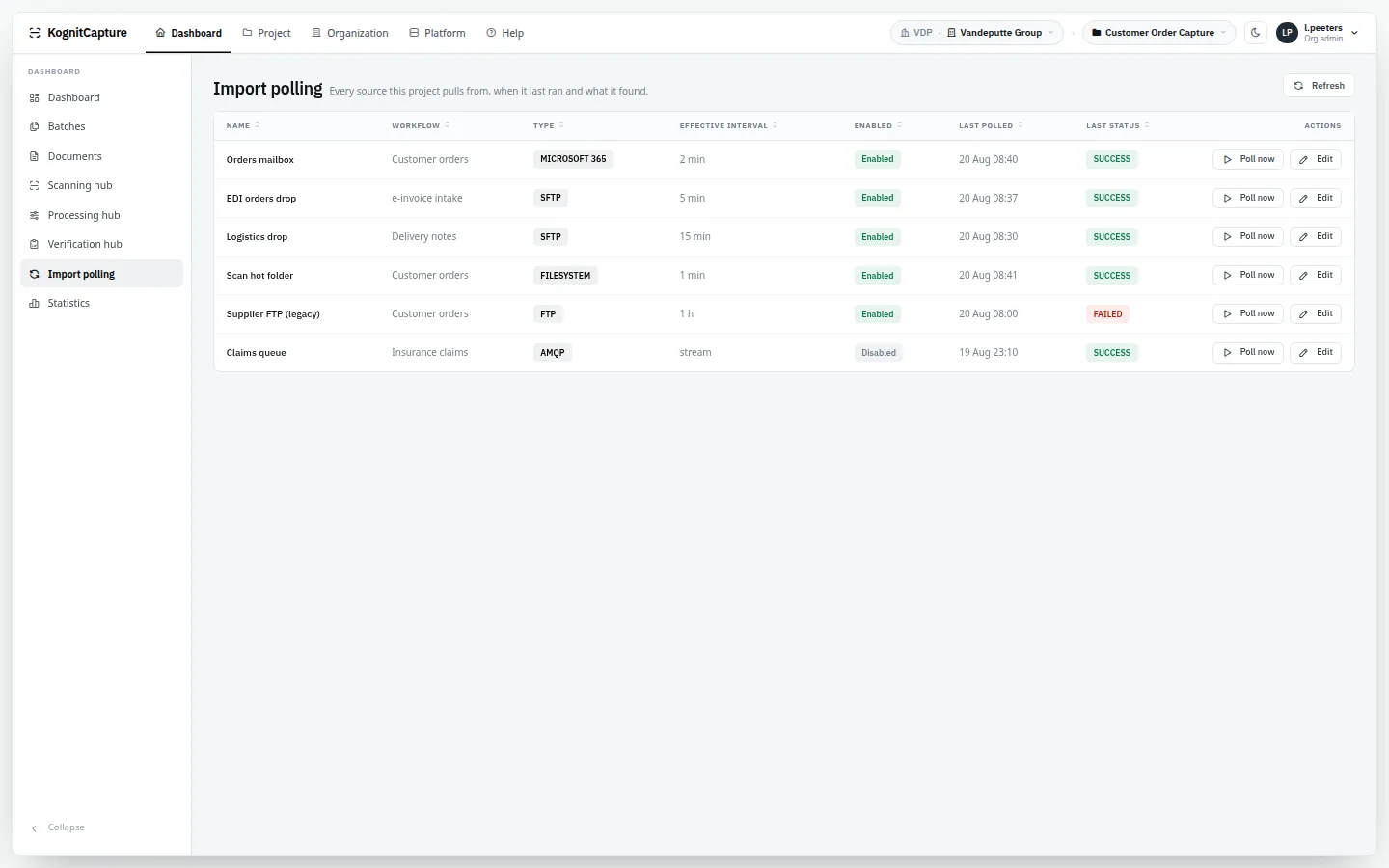
Distributed processingNodes with their duties and capabilities, and the work each has claimed.StatisticsThroughput, processing times and operator figures.Activity logWho did what, to which object, and when.TenantsThe top of the tenant, organisation and project hierarchy.API docsThe built-in console over the OpenAPI specification.Mobile devicesPaired capture devices, each with its own revocable key.Import pollingEach polling run of each import source, with its result.Dark themeThe application's own dark mode, here on the verification hub.
Preview pages
22 self-contained pages from the August 2026 build · one per screen
Each preview is a single file that opens the product demo on one screen, inside the previous site design. They are copied here unchanged; the demo inside them is the same one as above. Opens in a new page.
The seventeen pages of that build are copied unchanged as well, for reference: open the August 2026 site → It shows that build's prices and wording, not the current ones.